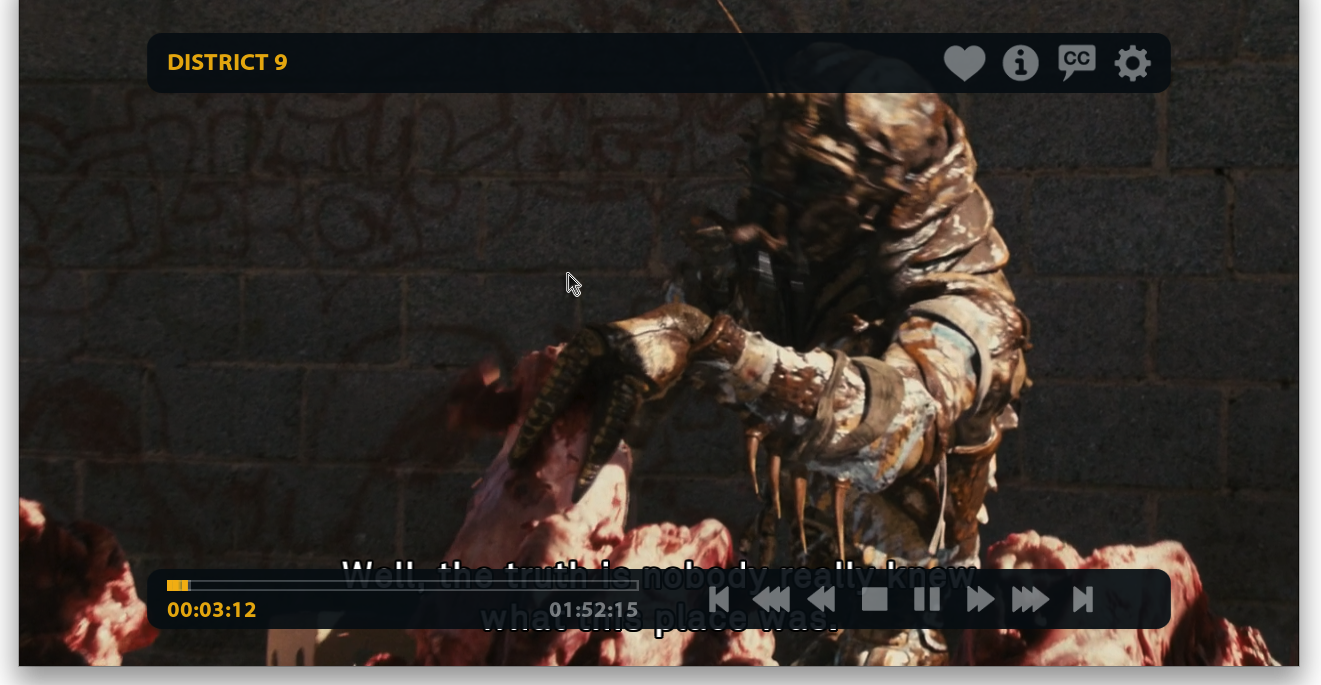
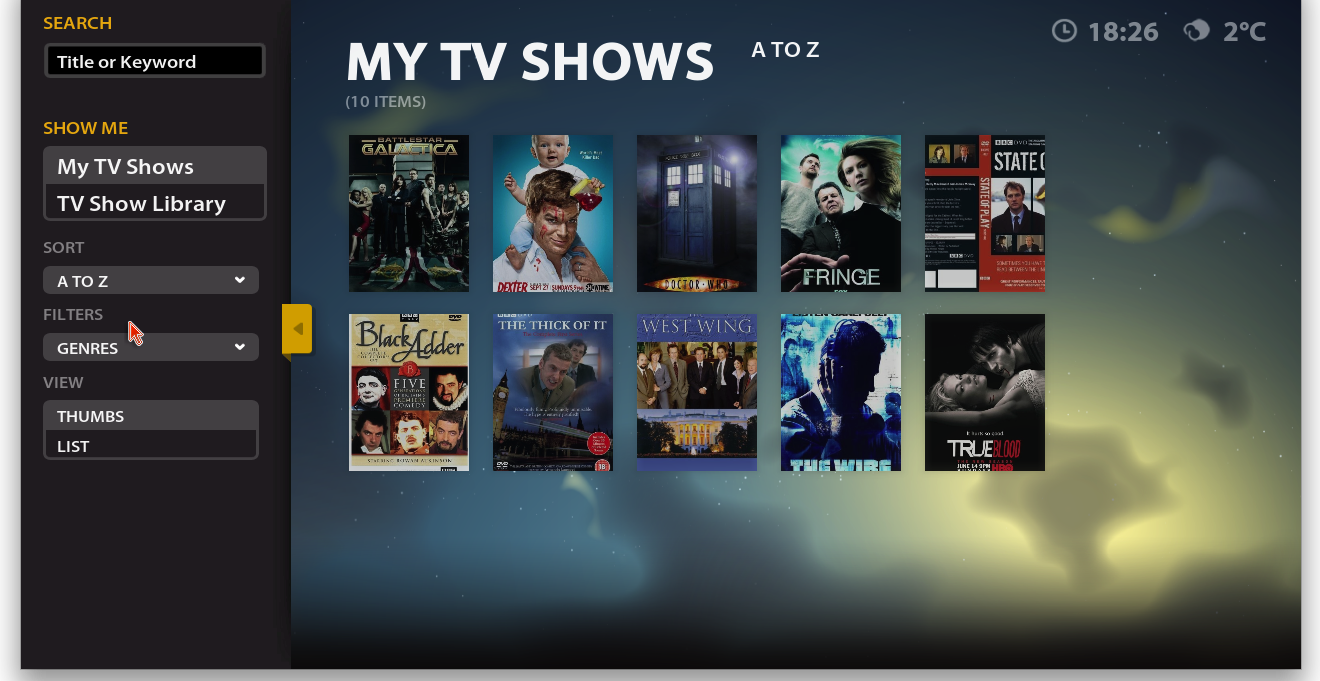
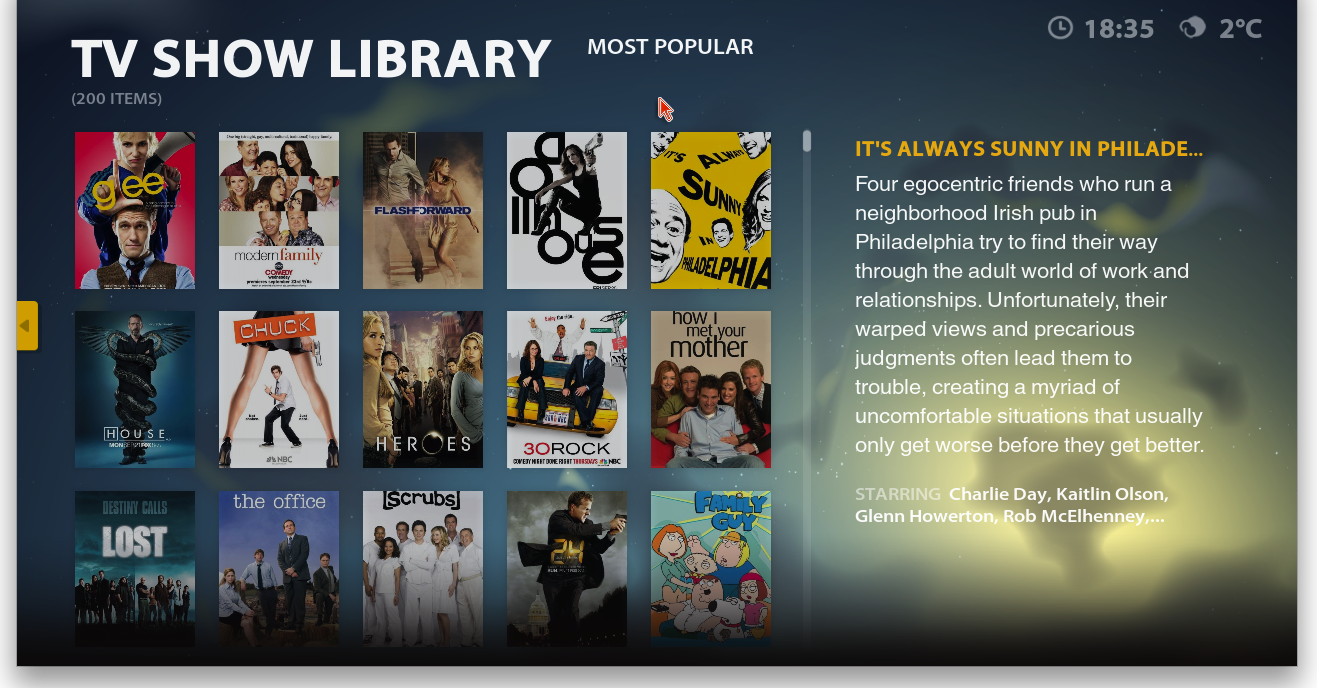
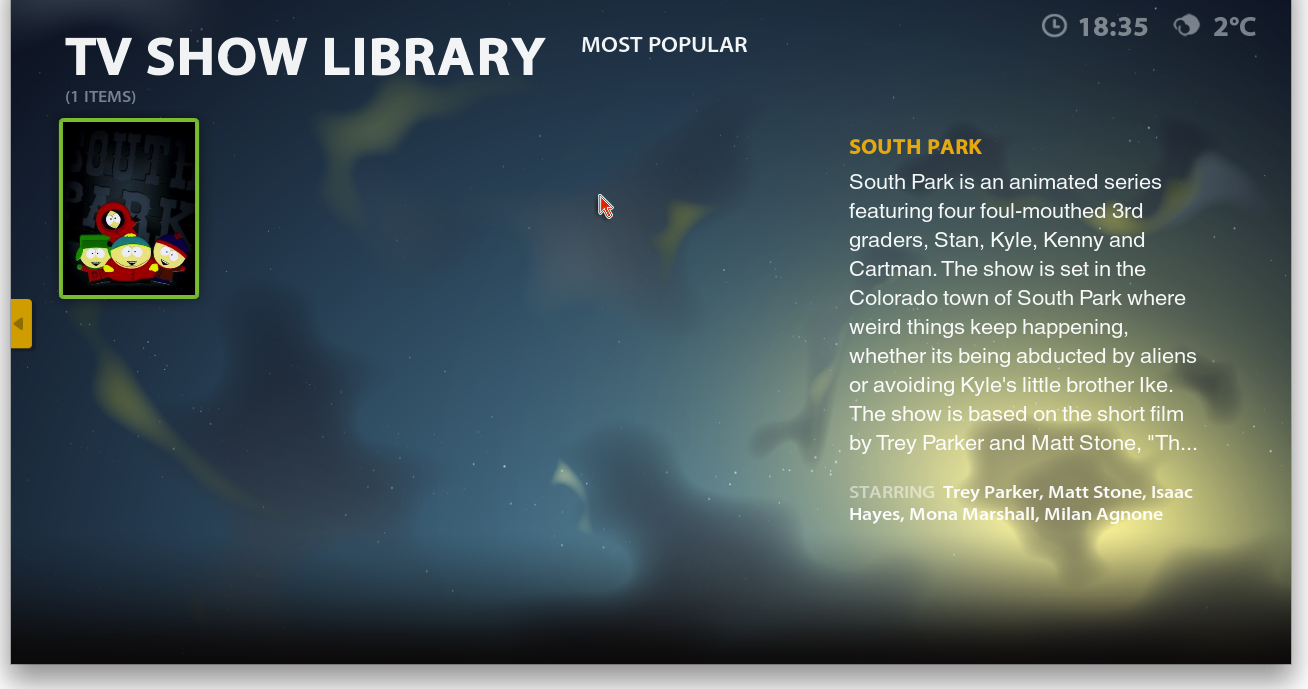
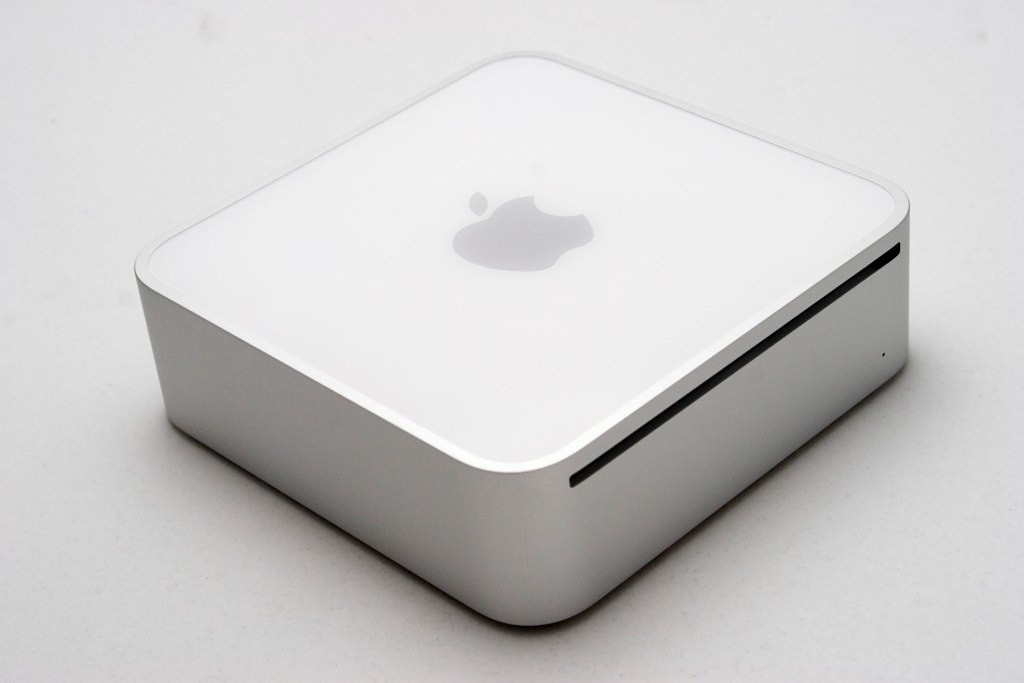
Our last few posts on using a Mac Mini as a Media Centre device have focussed on using Media Centre software like Plex and Boxee to playback locally stored content. While this is my main reason for buying a Mini there is a lot more you can do with it – listen to radio, stream audio and video and play games.
Radio
There are many way to listen to radio via the Mac. The most obvious is via iTunes which comes preloaded with hundred’s of stations. However searching is limited, the streams don’t contain many popular stations and it feels like a tacked on option. If you are serious about your radio there are two options that really stand out
Radioshift can be thought of as a PVR for radio. At the heart of the application is the Radio Guide. Using the guide you can search for stations or individual shows and subscribe to them in the application. The big plus is seeing individual radio shows. You can use Radioshift to subscribe to a show and listen to it live but more impressive is that the application can record the show just like Sky+ does for TV. Radioshift will record multiple shows at the same time and even wake the Mac form sleep so it never misses a show.
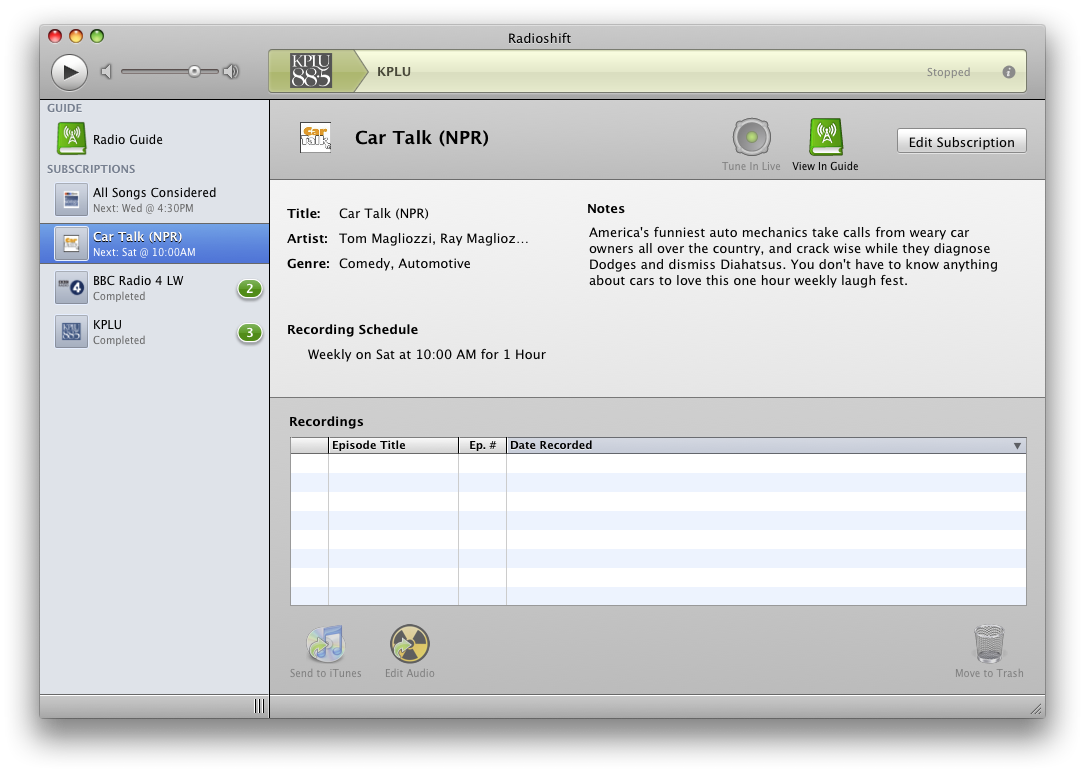
The guide is impressive and had a lot of UK content although some of the local stations didn’t have a show list. You also get to see what is popular now and filter stations by genre, location or by full text search. Playback is simple via the application which will also install any missing plugins to maximise the amount of stations it can support. There is no built in audio editor but Radioshift can hand off editing to any installed editor. You can also export audio into iTunes making it easy to listen to recordings on your iPod or iPhone.
Another option for radio is Snowtape. This is a very similar application to Radioshift but with a slightly slicker front end. Snowtape uses an online directory to make radio shows available although I’ve found it to be less complete than the guide in Radioshift. Also, Snowtape includes a built in editor unlike Radioshift. Either app will act as a great recorder for radio so you can’t really go wrong but despite Snowtape being a slightly stronger app I’d choose Radioshift for it’s greater guide.
Streaming
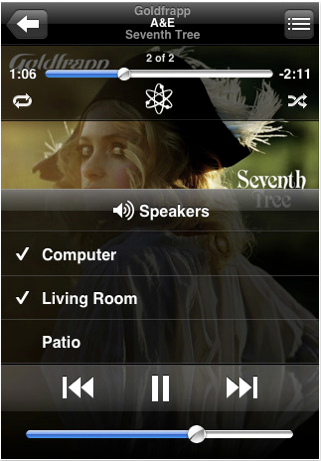
There are many streaming music options now available online. The most obvious one is Spotify. Download the client and over 6 million tracks are available for free. There is a premium option available that improves the audio quality and removes the adverts…which aren’t too obtrusive although the client has got very busy with the random adverts that appear on it. I look forward to the day that Remoteless, an iPhone app that offers full control of Spotify from the iphone, supports a Mac helper app as it’s Windows only at the moment. When that day comes I can switch off the TV and the front end of Spotify and use the iPhone to control my music. Bliss.
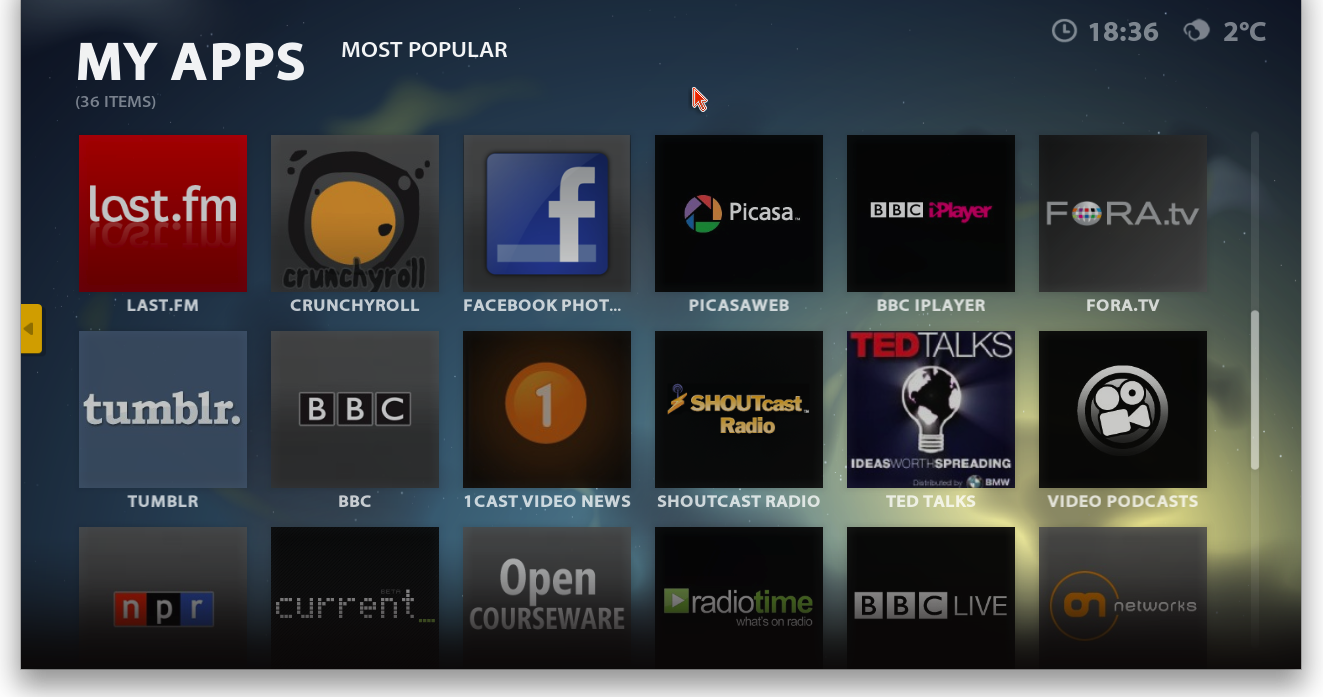
Another streaming option is last.fm. More well know for music scrobbling and keeping stat’s on what you and your friends listen to, you can also setup a custom radio station and stream music for free, or stream what your friends are listening to. Grooveshark is a more US centric streaming site which is Flash based and free as long as you don’t mind adverts. Similar to last.fm, you can build up playlists and it has a pretty comprehensive library.
AirVideo
AirVideo is an app for the iphone that will display streamed video from your Mac or PC. Once the server app is installed you can add local video sources which can then be accessed from the iPhone. The app will also access video content from iTunes meaning all video located on your Mac Mini will be accessible on your iPhone, no matter what size phone you have.
In practice I’ve found the streaming to work extremely well on video formatted for the iPhone. Playback is smooth and the application responds quickly. This is of course locally over wi-fi but if you setup your router correctly you can access your content from anywhere in the world. However playback is a little more pixelated with this method and buffering, as expected, takes longer too.
One other feature of Air Video is that it will convert video to an iPhone friendly format. Many formats are supported – mp4, m4v, mov, avi, wmv, asf, mpg, mpeg, mkv, 3gp, dmf, divx, flv – and conversion takes place live. Locally the converted video was quite pixelated but it was acceptable. It also took a while for playback to start but considering that I was converting an mkv then it was to be expected. This is a great add-on for the Mac Mini and makes your video content truly portable.
Gaming
One of the area’s I wanted to explore was game emulation, specifically MAME. MAME (Multiple Arcade Machine Emulator) is an application that tries to recreate the hardware of old arcade machines in software. Using MAME you can then use ROMS to play thousands of arcade games from yesteryear. I have a lot of ROMS so I was keen to setup MAME. There are two main versions of MAME for the Mac. Mame OSX is a port of MAME, is easy to install and run and presents games in it’s gui window. While this worked fine I found a better option in SDLMAME.

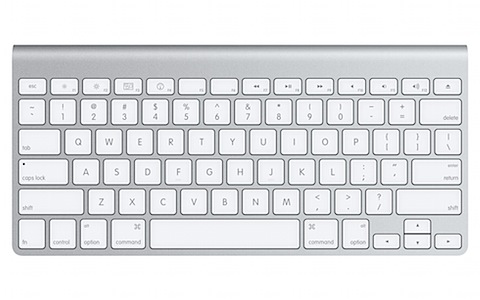
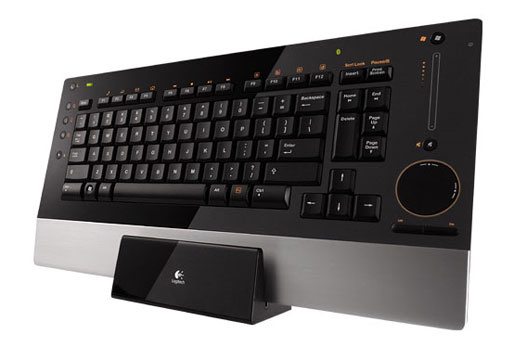
SDLMAME can be run as a 64 bit binary but what I like the most is it runs full screen, making the most of the ROMS and recreating more accurately the feel of the old arcade. The front end though needs a keyboard to search and find ROMS. The keyboard is also needed to play the old games. Thats whats let’s it all down – the lack of an old controller.
Well, there’s an app for that. More accurately, there’s a driver for that. If you’ve a wired 360 pad then installing this driver will allow the 360 pad to work and control the Mac. This is great and makes a big difference to MAME. The driver also has one more trick up it’s sleeve.
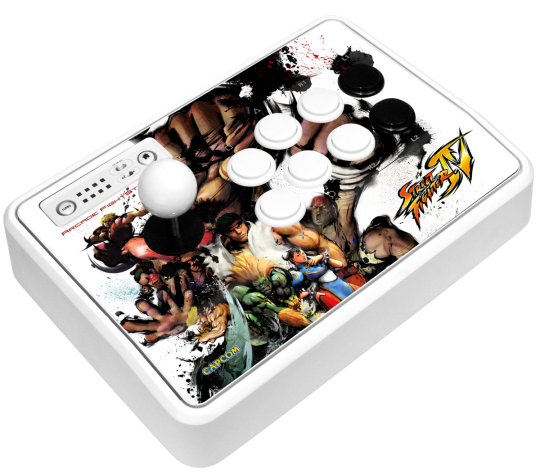
The driver has support for the Mad Catz Arcade FightStick. With this and SDLMame it feels like an arcade machine from yesteryear. What a great combination! Of course there are many other emulators out there including SNES, N64 and PS-X which all work well and support the 360 pad.
There are some good resources online for getting SDLMame up and running. I used the forums at ShoRyuKen to find out the best Mame options on the Mac. Brian also pointed out this Youtube tutorial for compiling SDLMame using Xcode. Finally there’s a board just for SDLMame on the Emuversal bulletin board that also has links to M+Gui which provides a GUI front end to many Mame tools and works well on the Mac.
Conclusion
I’ve covered a few other suggestions for making the most of your Mini but one obvious omission is broadcast TV. I’m not using the Mini for live TV but there are some great solutions from Elgato for watching, recording and also streaming content to your iPhone. If there is any other software that makes sense for the Mini then please leave a comment with your suggestions.
The next post will focus on content. How to make it from DVD’s and CD’s, where to find it on the internet and how to build your own low maintenance Tivo using your Mac Mini.