iPad Wallpaper

In: Technology by admin

13 Jun 2010

One of the easiest ways to customise your iPad is to change the background wallpaper. It comes with a number of wallpapers but you really want to add your own. Already there’s a few sites that have sprung up that makes it easy to find and download great walls sized perfectly for the iPad.

InterfaceLIFT
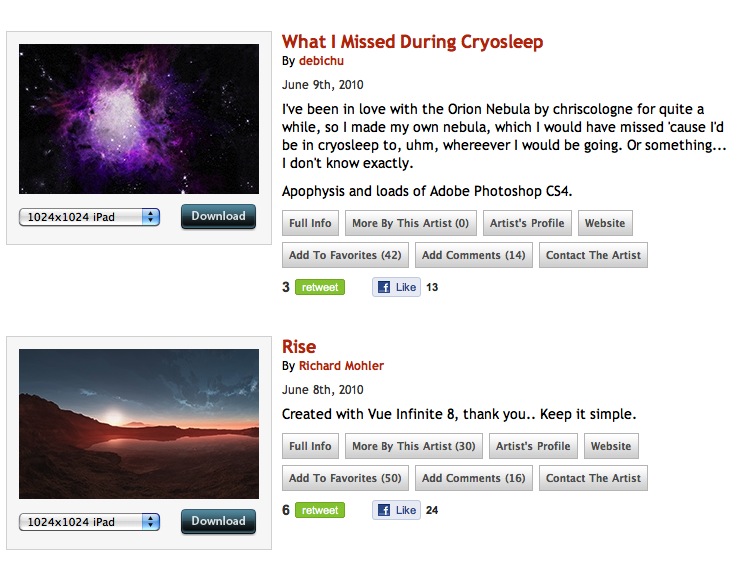
InterfaceLIFT has offered great wallpapers for years so it’s no surprise that they have stepped up and built a category specifically for iPad. Already offering more than 250 walls there’s a great variety on offer.

iPad Walls

A new site, iPad Walls offer a large number of perfectly sized walls that are split into a number of categories.

iPad Wallpapers That Don’t Suck
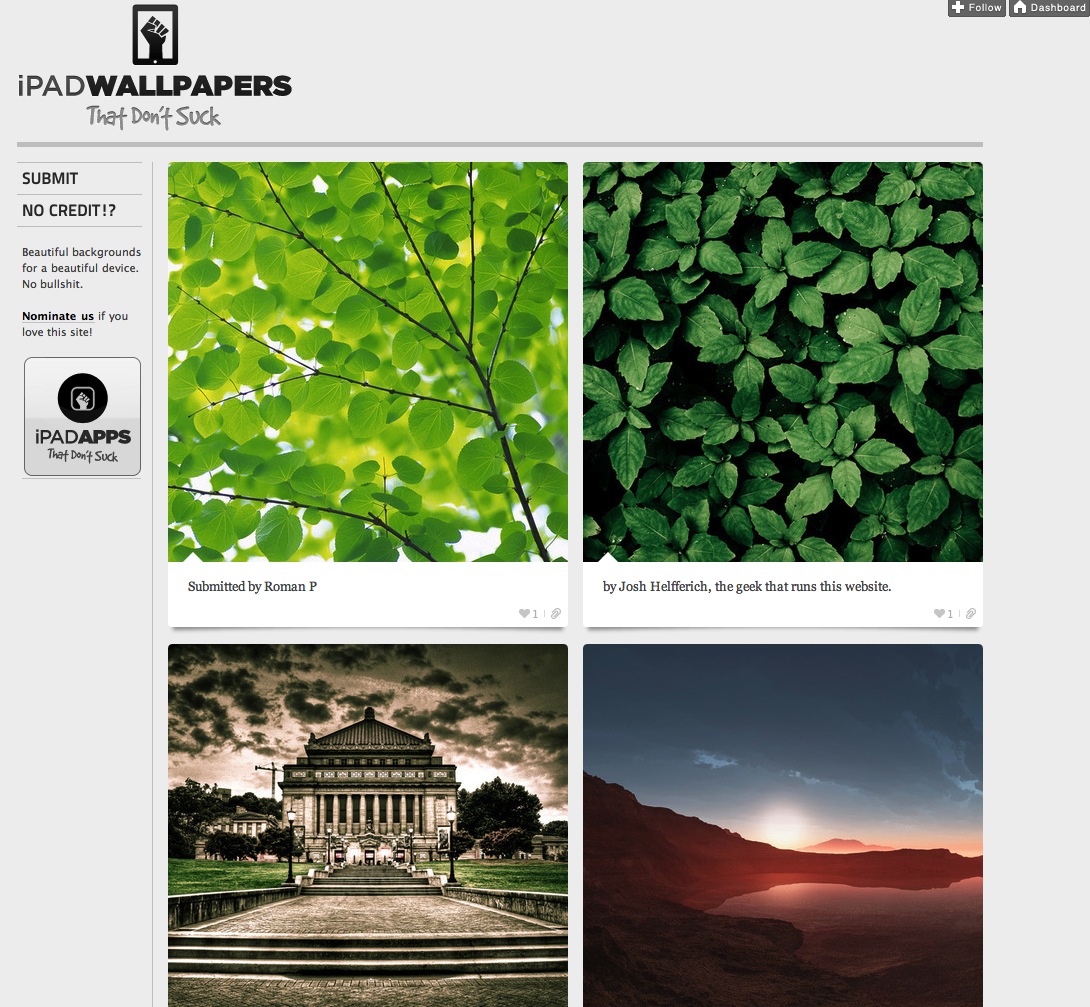
This site is probably my favourite of the three as it pulls together the best of the walls out there on a great tumblr site.

So there you have it – three sites with more than enough walls to suit everyone’s tastes.

Share and Enjoy:
  • email
  • del.icio.us
  • Digg
  • Facebook
  • FriendFeed
  • StumbleUpon
  • Twitter

View Comments to iPad Wallpaper

Avatar

iPad Wallpaper | DigitalOutbox

June 17th, 2010 at 03:55

Avatar

Martin Bay

August 29th, 2010 at 15:44

Nice to se some original iPad wallpapers. I have a collection of more than 50 unique iPad wallpapers here: http://ipadwallpapersbybay.com

Comment Form

blog comments powered by Disqus

What is DigitalOutbox?

DigitalOutbox is a podcast all about our digital lives. We'll cover the latest technology news, gadgets and gaming but with a real world UK perspective. Visit the About page to find out more or follow us at...

  • Jojo Joseph: Thank you very much for such an informative guide... I want to setup a HTPC with Macmini in near fut [...]
  • iPad Wallpaper: Great little app. I will have a further look. [...]
  • Martin Bay: Nice to se some original iPad wallpapers. I have a collection of more than 50 unique iPad wallpaper [...]
  • Anonymous: Thanks for the great tutorial. If I ever buy a MiniMac I will surely know how to connect it to my HD [...]
  • Ian: Nice one - we've found 'an expert'. [...]

RSSFollow @digitaloutbox